Popups that get in your way
A rotating cast of nonsense stands between you and adult content.

Trying to watch adult sites? No Porn Please! catches your "bad" intention and reminds you with a series of challenging popups. It's just really annoying at exactly the right moment.
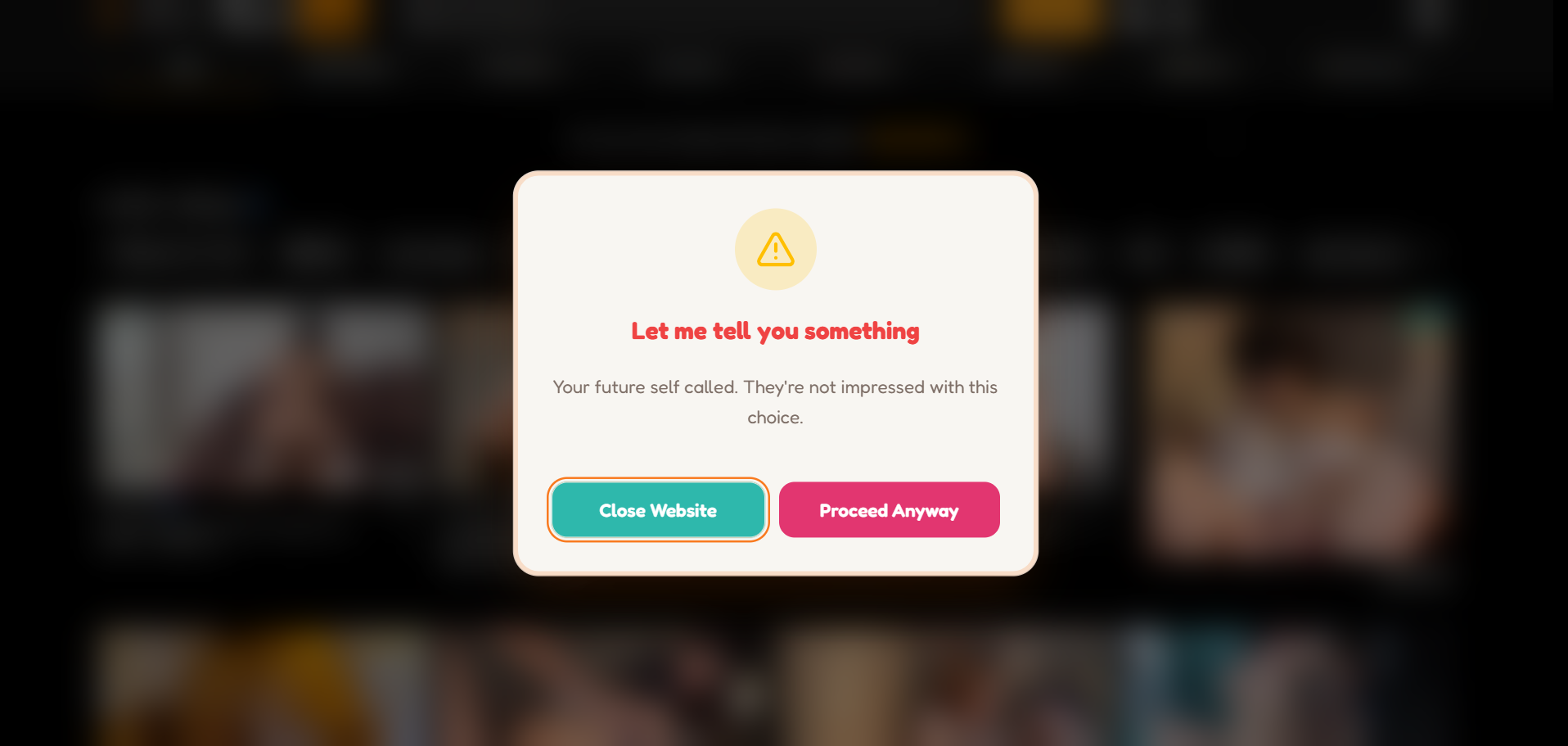
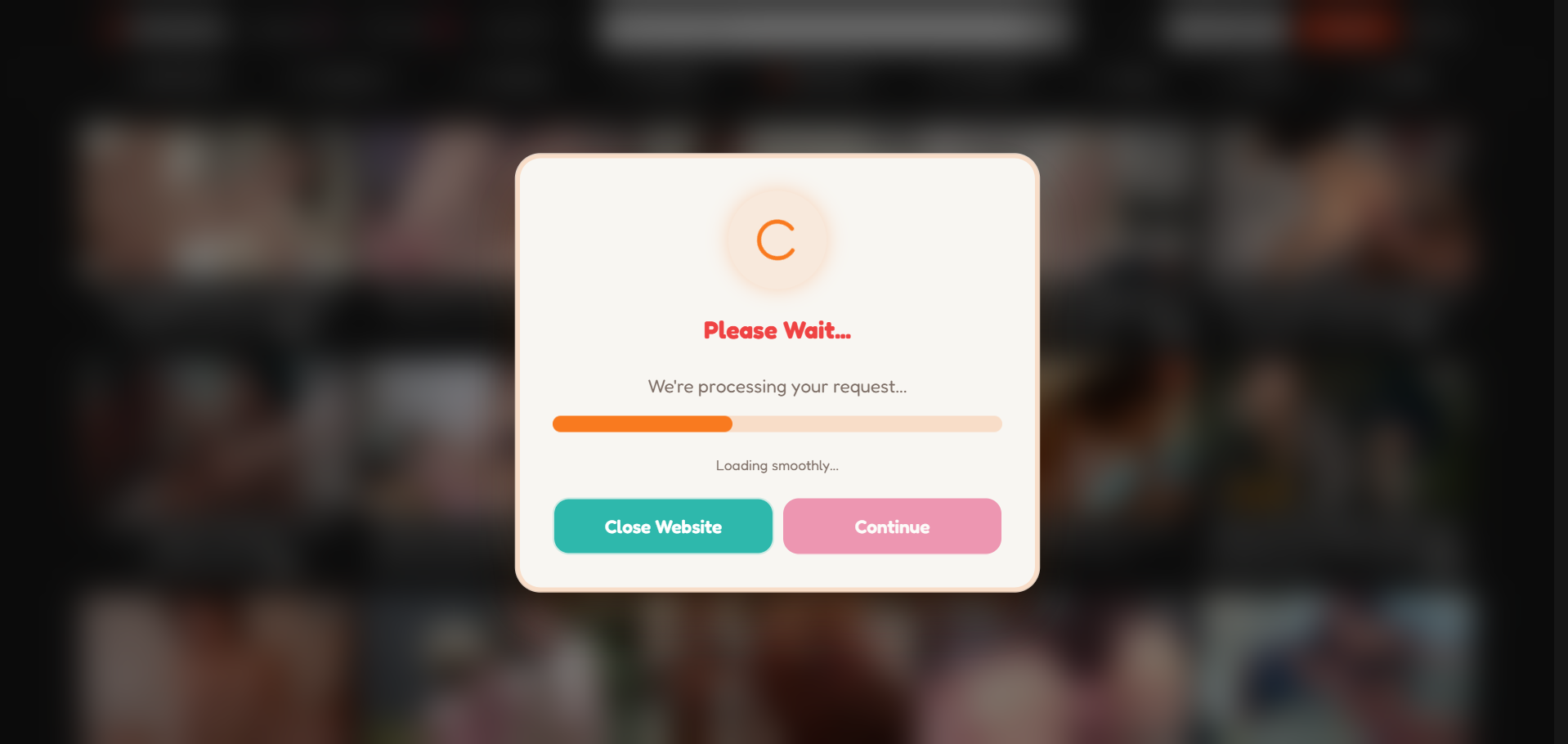
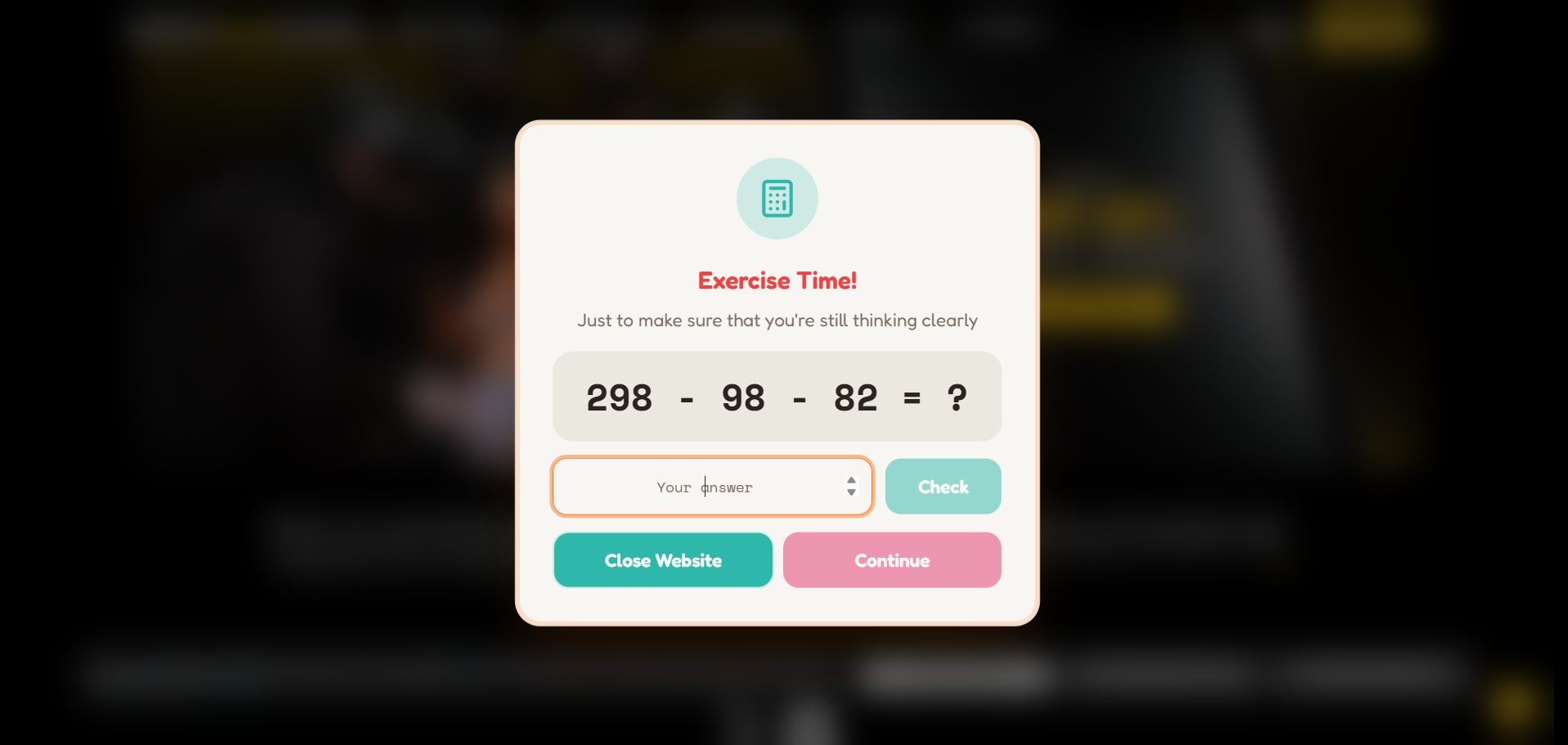
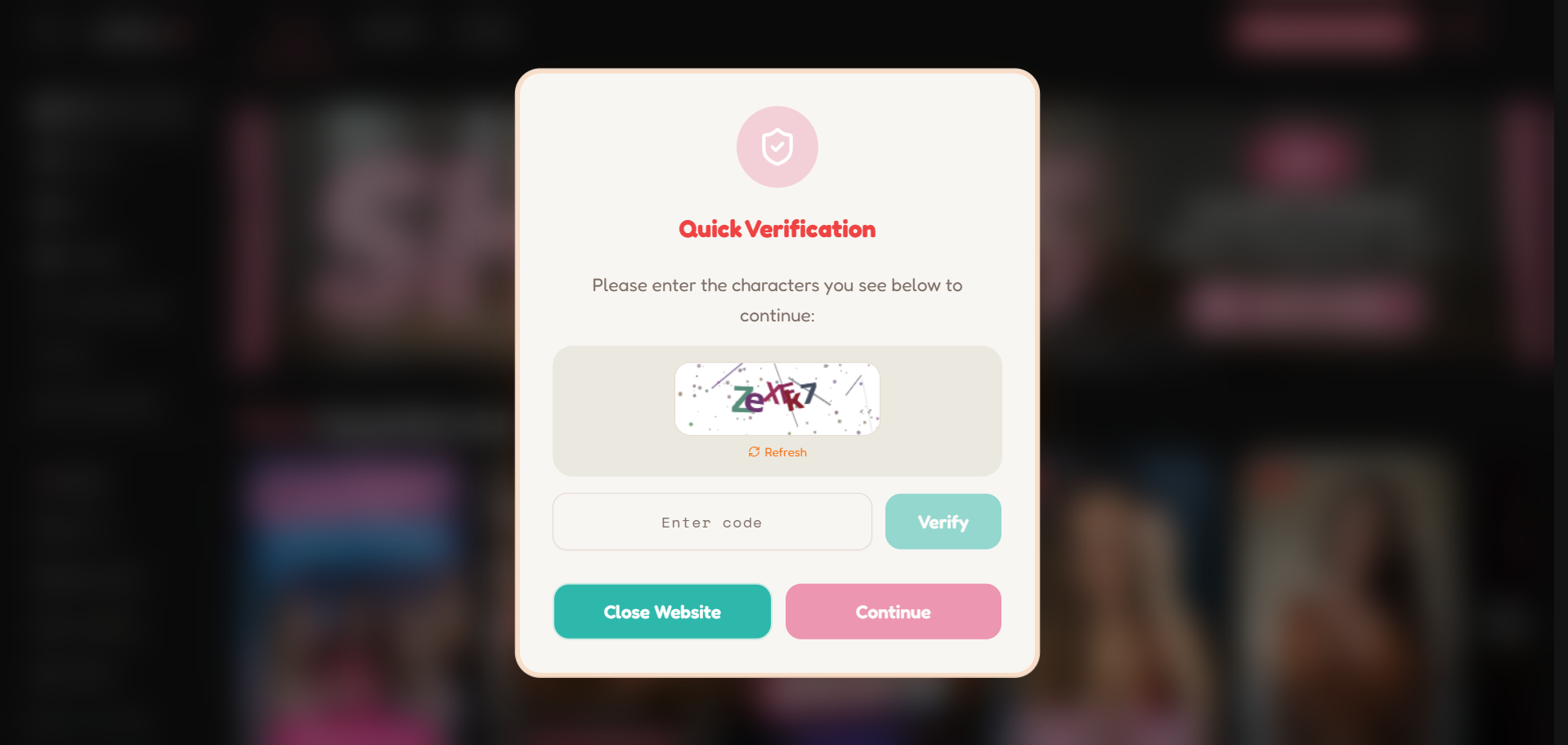
A rotating cast of nonsense stands between you and adult content.
Sign in with Google and we'll count your clean days for you. Watch the number climb and get motivated!
Overcoming 4 popups will grant you some "free time." Your streak resets, though. Every action has a consequence.
Add No Porn Please! from the Chrome Web Store or Firefox Add-ons, and pin it up top where you'll actually see it.
Log in with Google to unlock the popups and get a 7-day free trial automatically.
Visit an adult site and the reminders show up uninvited. Close the tab (or don't — your choice!)
One plan, two ways to pay. Purchasing just keeps everything running after your trial ends.
Install the extension and start your free trial in under a minute.